Knowledge base · 5 min read
How to manage recipe technical cards in ChefAtlas
When recipes live in separate spreadsheets and chats, the team struggles to work from one current version of a dish. ChefAtlas brings technical cards, restaurant projects and menus into one workflow.
Create a restaurant project
Sign up and create a project for a restaurant, café or new menu. Projects help keep different concepts separate. The free plan includes one project and up to 100 technical cards, enough to test the workflow on a real menu.
Fill in the technical card
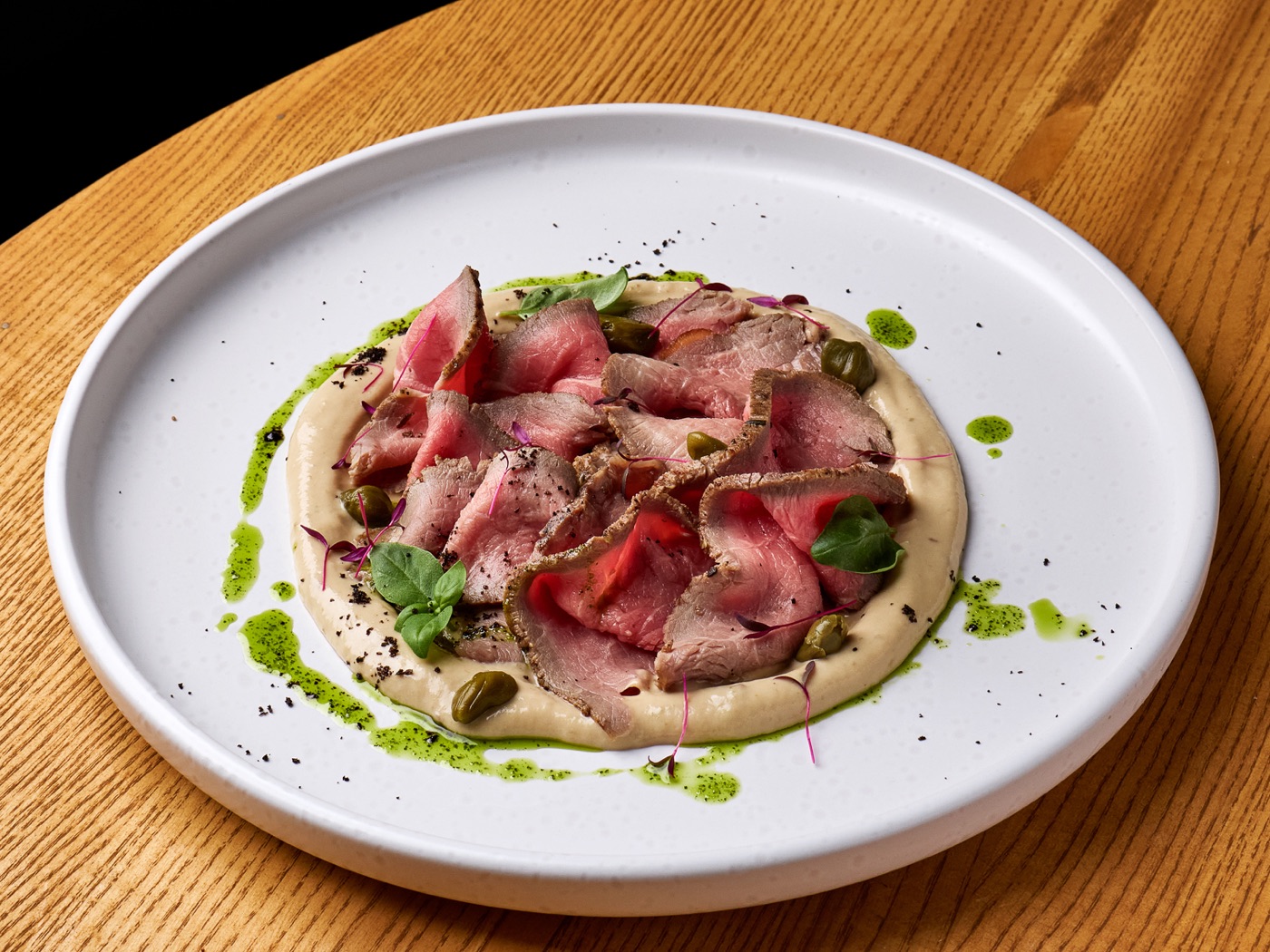
Create a dish card with its name, ingredients and quantities, gross and net weights, yield and cooking steps. Add a plating photo and check nutritional values against ingredient data. Before the team uses the card, compare it with a test preparation.
When the recipe changes, update the card so the team has current information the next time they prepare the dish.
Build a menu from finished cards
Add prepared dishes to the project menu and group them by category. This maintains a connection between a menu item and its recipe. Export the card as a PDF when you need to share or use it outside the service.
Make upkeep a routine
Start with your most popular dishes, assign someone to review them and update cards after every meaningful recipe change. Your kitchen knowledge base then stays useful instead of becoming an archive of outdated files.
ChefAtlas
Try ChefAtlas